Create your account
Sign up with your email or Google, then confirm your address with a six-digit code.
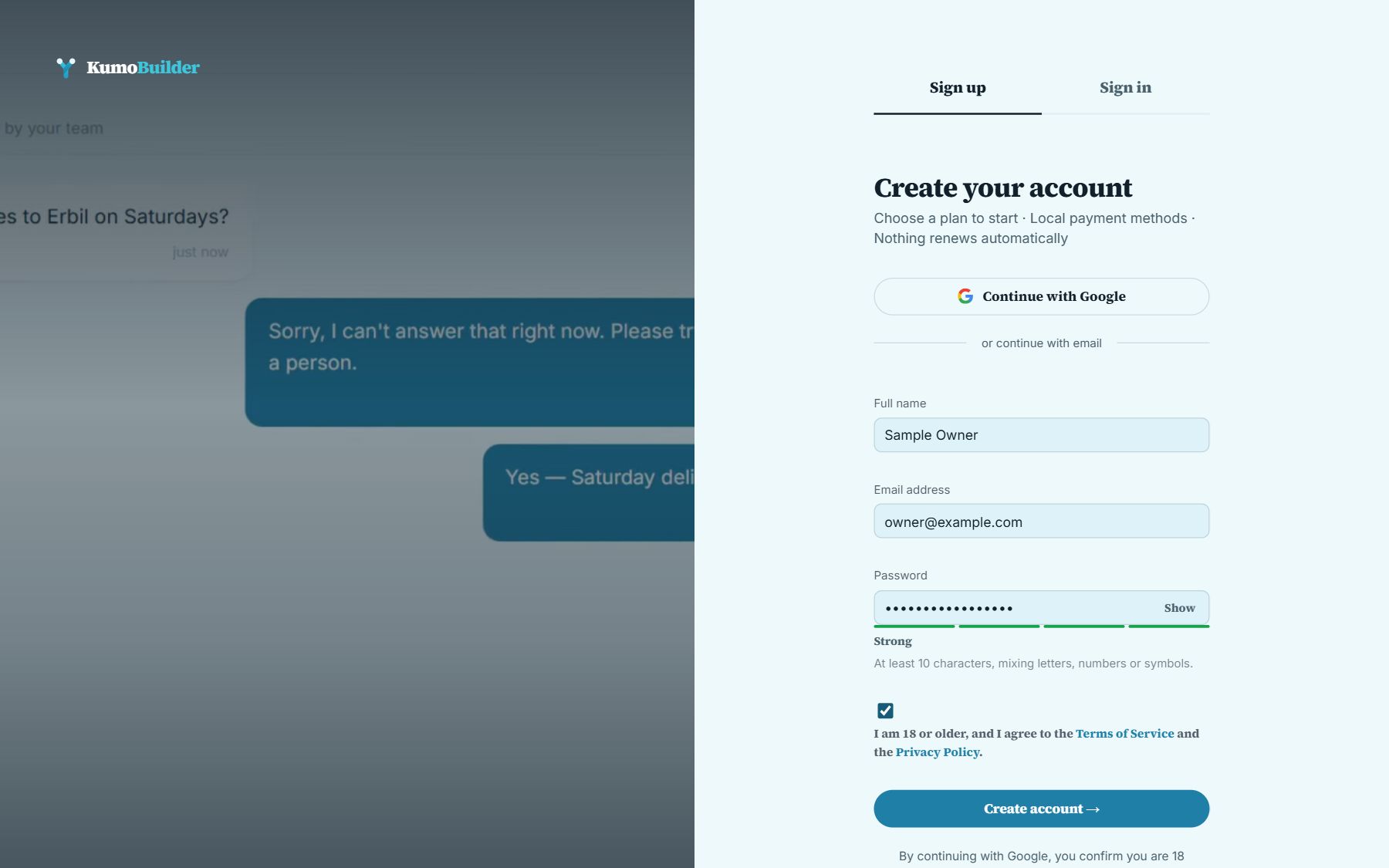
- Open Sign up and enter your name, email address and a password. The form shows the password rules as you type.
- Tick the box to confirm you are 18 or older and agree to the Terms and the Privacy Policy. You cannot create an account without it.
- We email you a six-digit code. Type it in and your address is confirmed.
“Continue with Google” signs you up with your Google account instead; the same age and agreement apply.
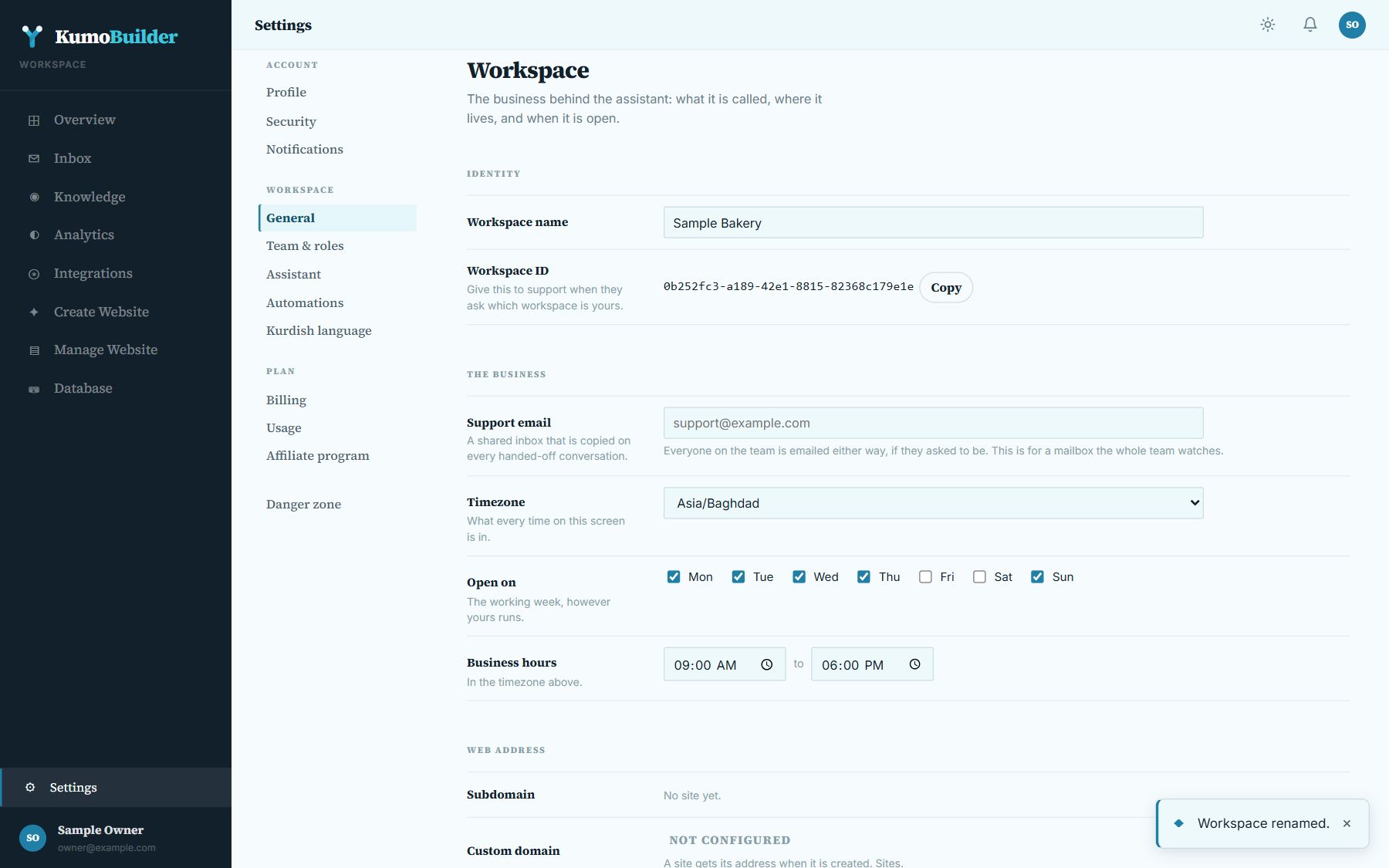
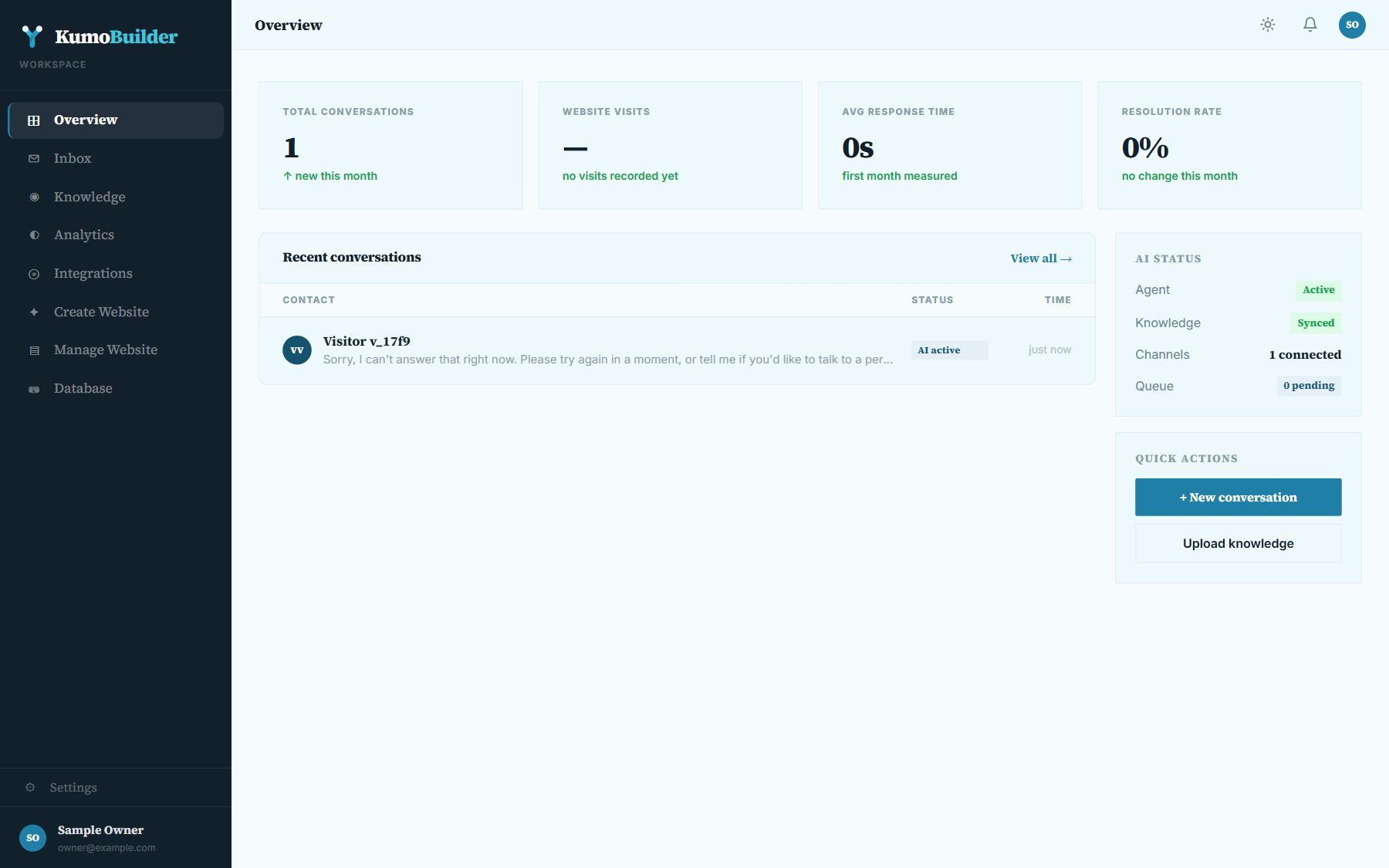
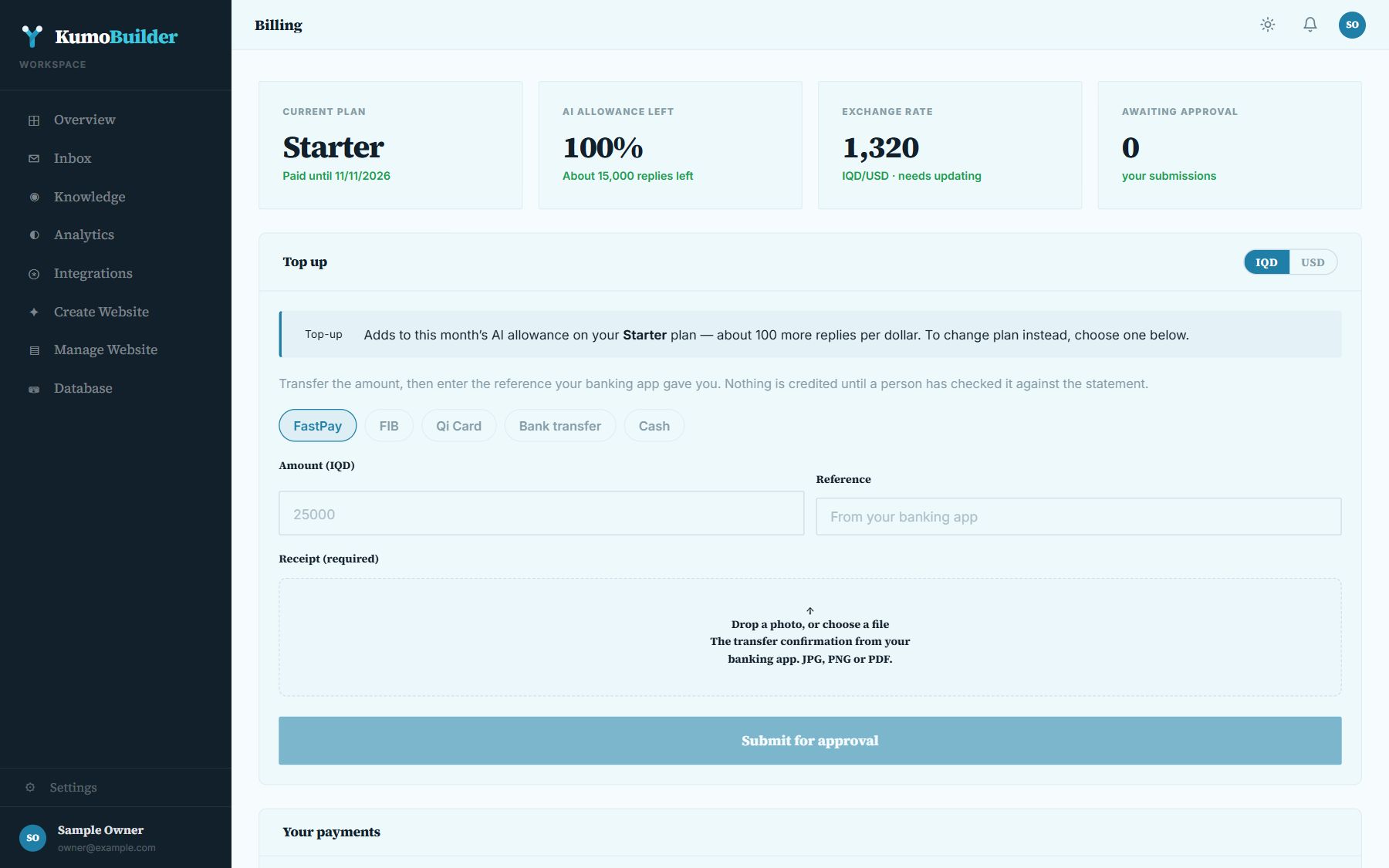
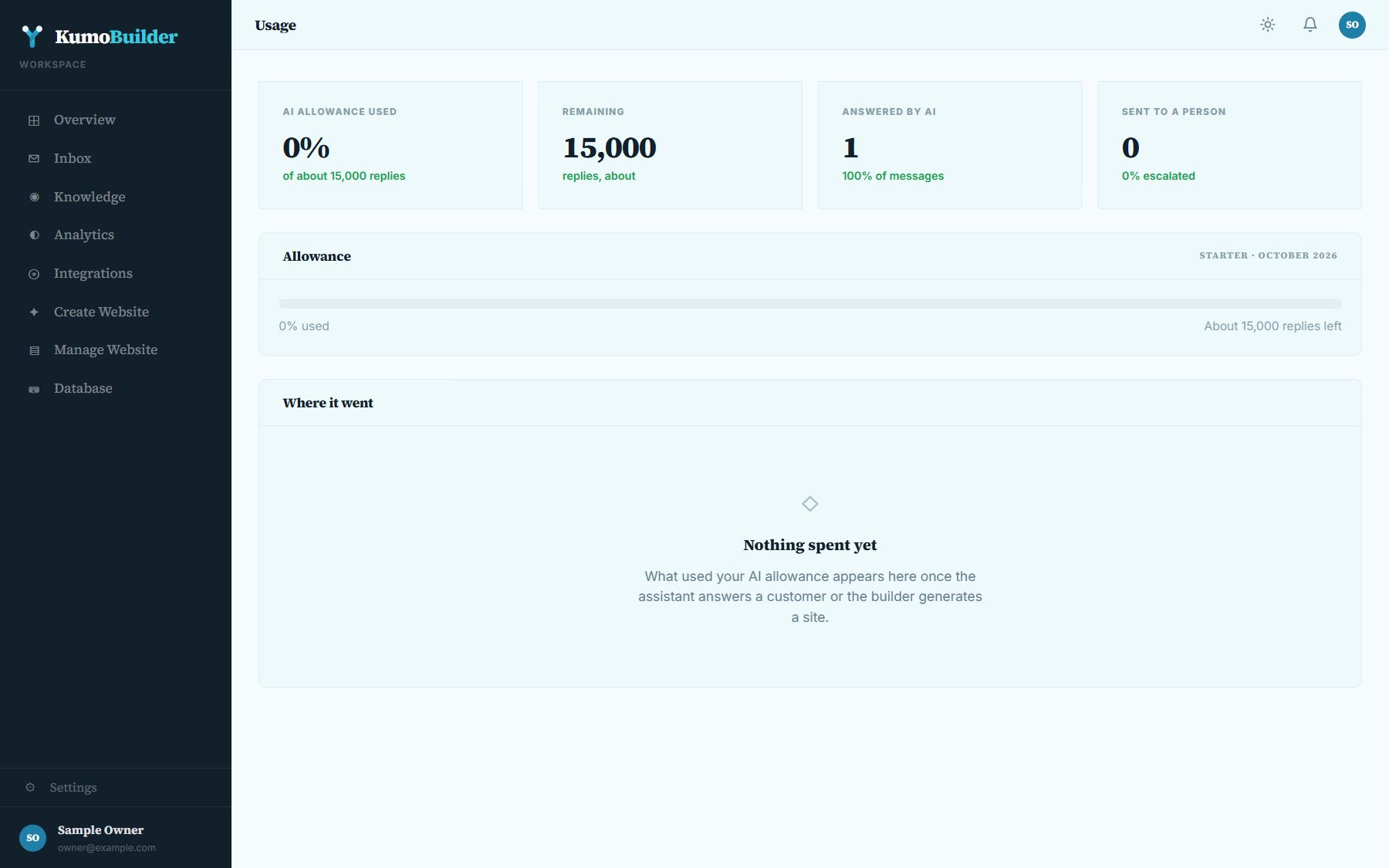
A new account gets its own workspace on the Free tier. The assistant and the website builder start working once you pay for a plan — see Plans and paying.